Every screen of the CRM was rebuilt for a phone: big buttons, a job form that fills the screen, a board you swipe and a calendar as a day list.
What we did
- Job form on a phone opens full screen, with the Save button always visible and stages as big tap buttons.
- The board swipes sideways column by column; press and hold a card to drag it, or use Move.
- The calendar turns into a simple list of visits by day.
- Figures sit in two compact columns, so the list is still on screen.
- Checked on a real phone size, by touch.
How it looks
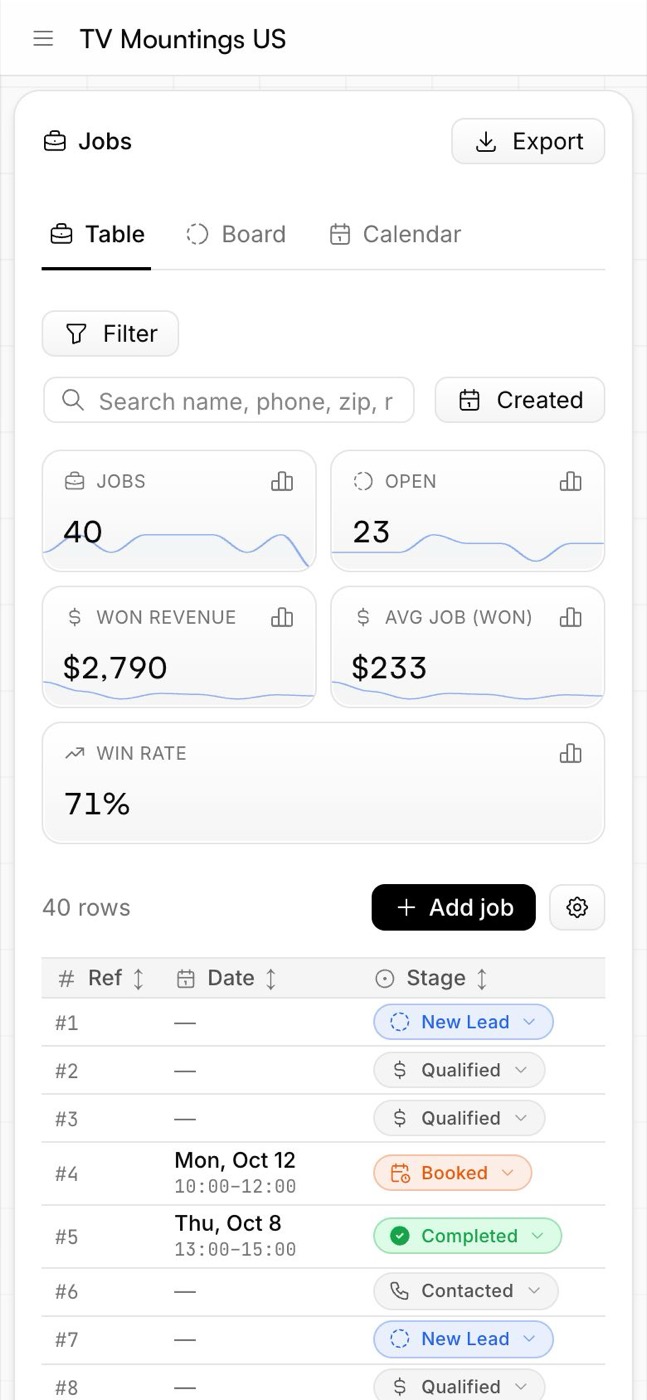
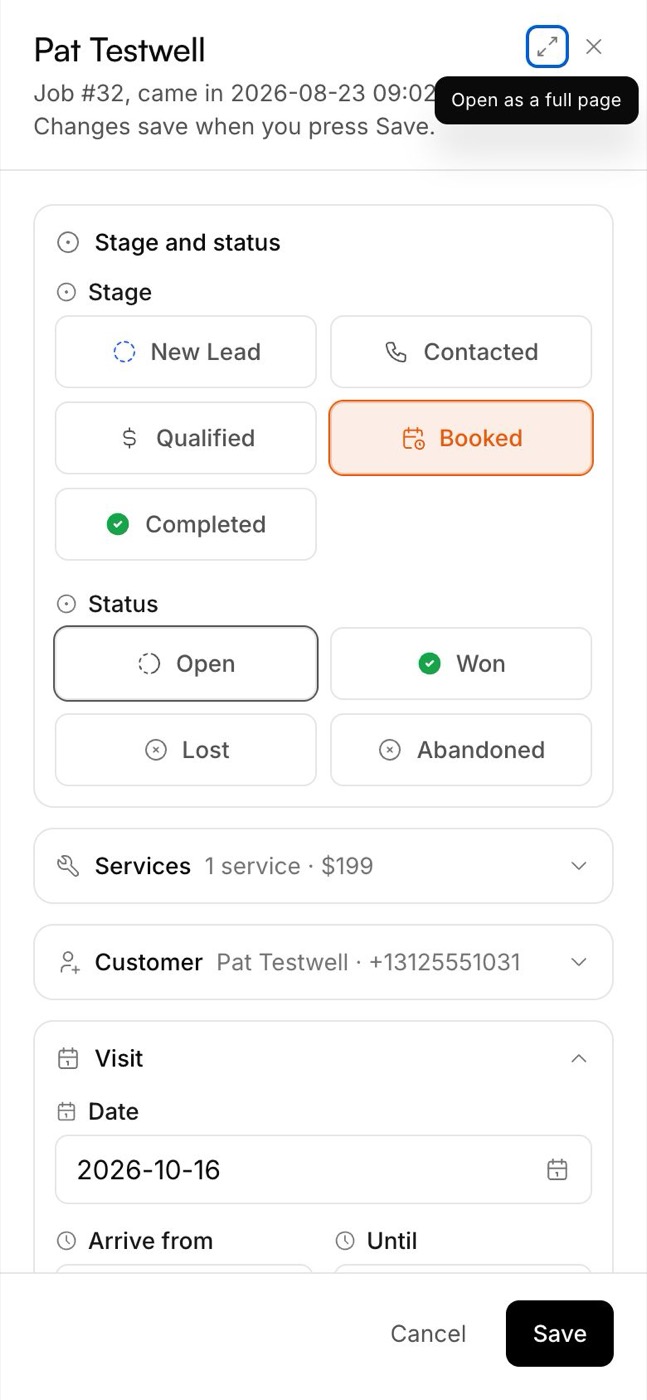
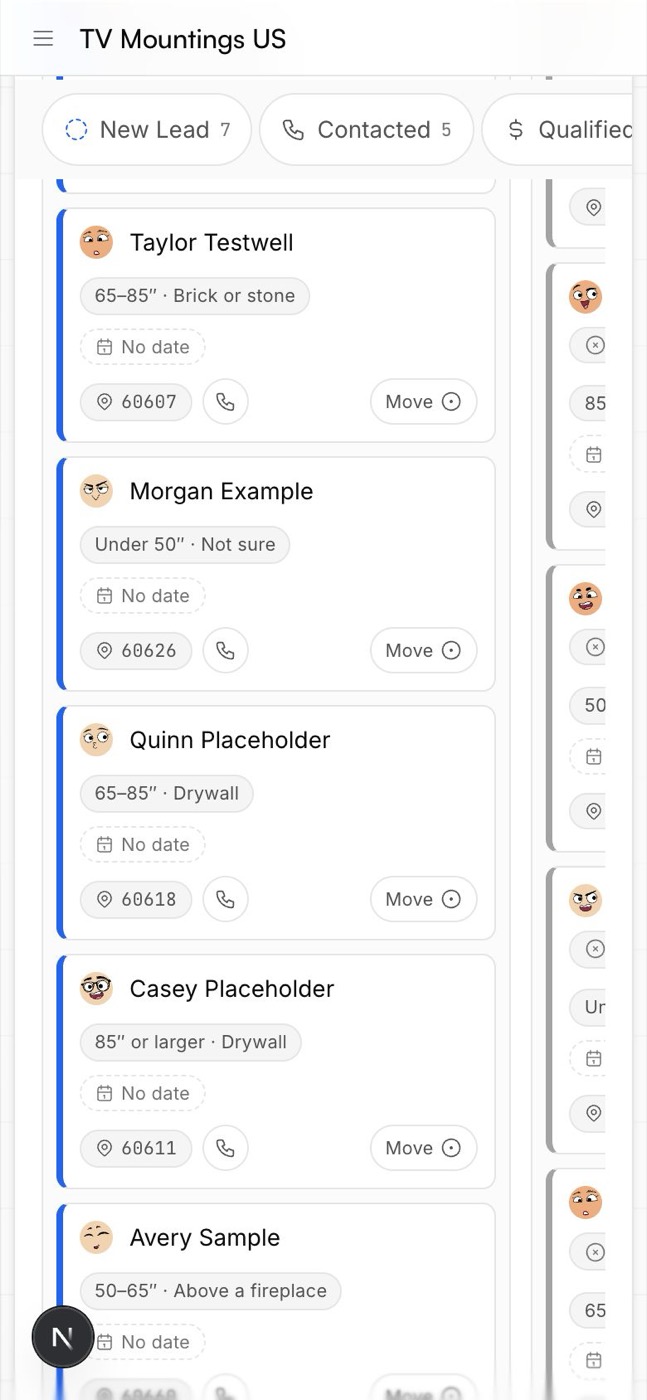
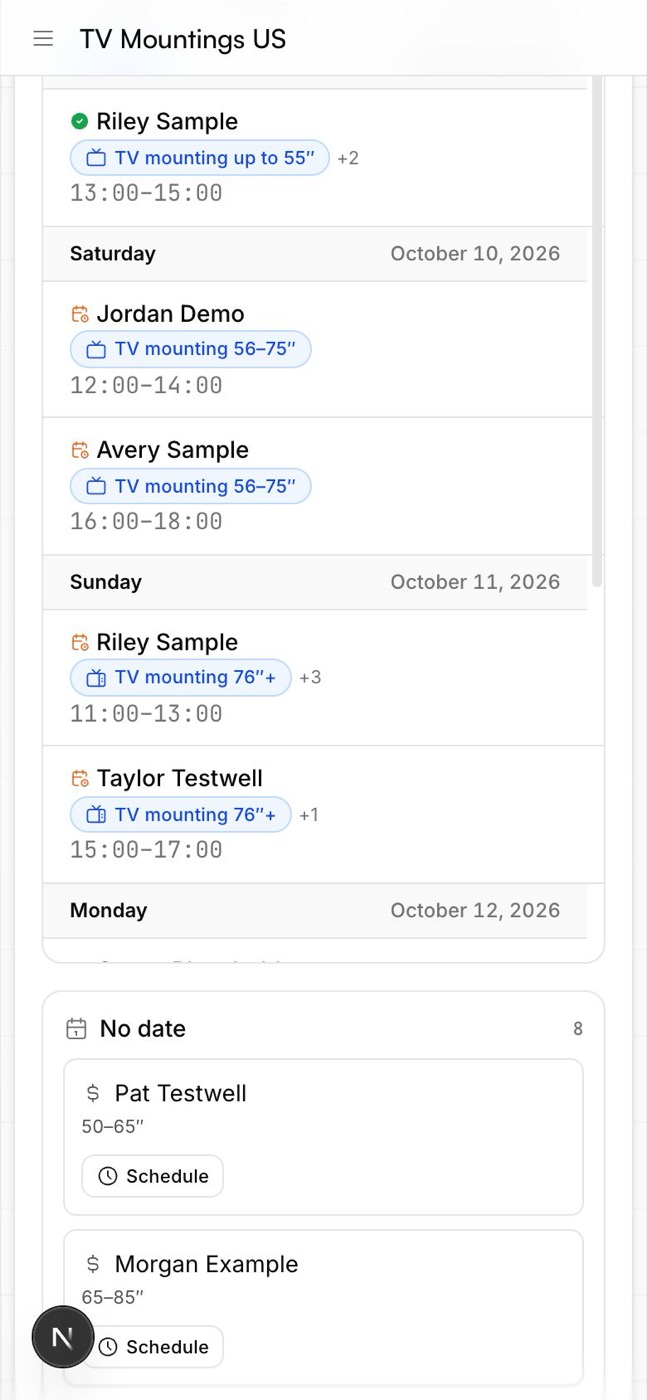
Screenshots of the CRM use sample customers, so no real customer data is shown.
Why it matters
Your technician works from a phone, on site. Everything he needs — the address, the time, the services, the call button — fits in his hand.