Every page carries a complete, correct description of R&R in the format Google reads: your address, map location, hours, phone, services, questions and links to your profiles.
What we did
- Fixed the business record. The old one named a different domain (rrtvmounting.com) and had no photo, hours or links. The new one has the real domain, address, map location, hours, phone, legal name and links to your Instagram, Facebook and Google profile.
- Put it on all pages, not only the home page.
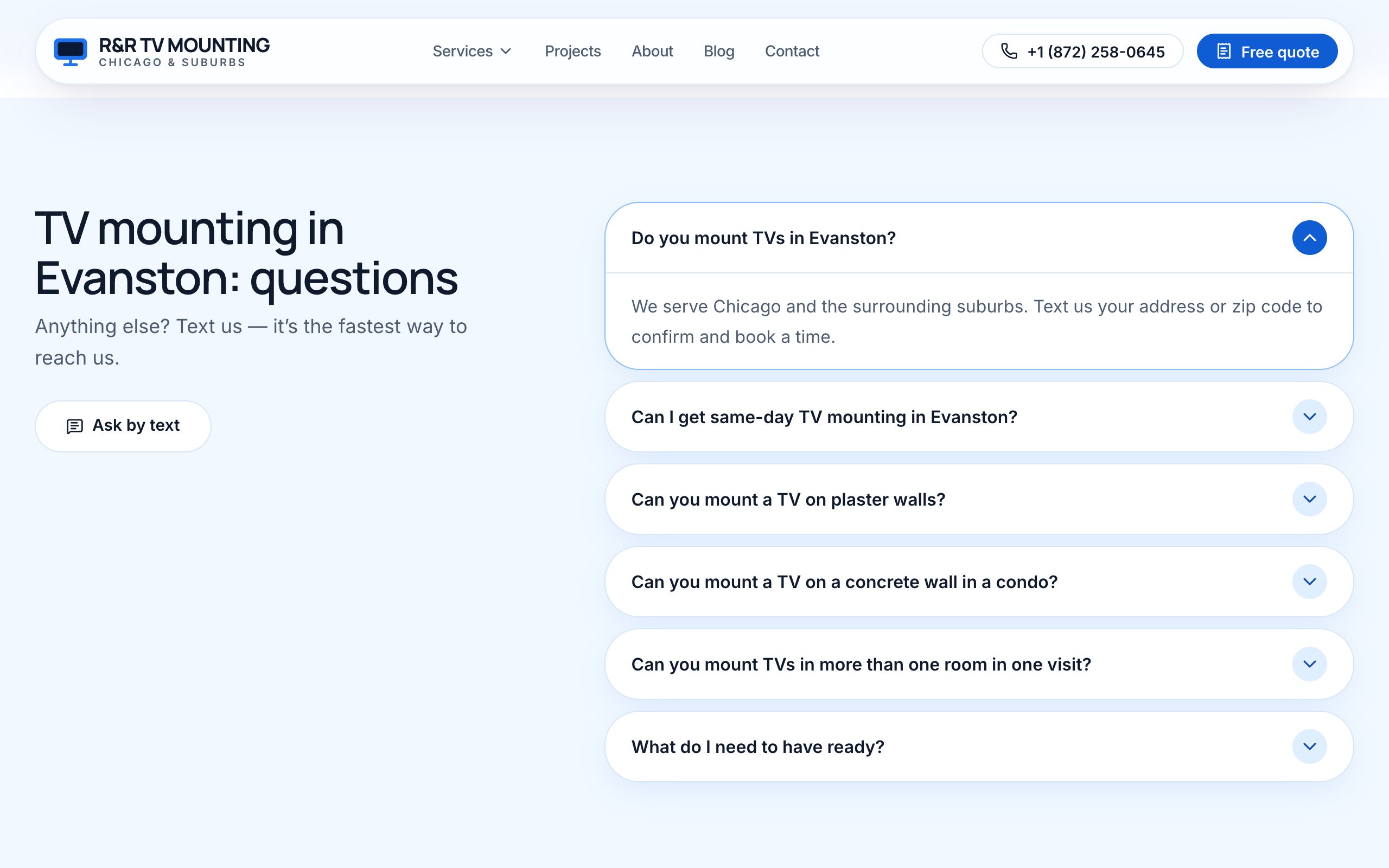
- Described each page's content the same way: each service page says which service it is, each guide says it is an article (with step-by-step instructions where it has them), and the questions on a page are marked as questions and answers.
- Listed the areas you serve inside the record, so Google knows where you work.
| What Google reads | Old site | New site |
|---|---|---|
| Domain in the record | rrtvmounting.com (wrong) | tvmountingus.com |
| Pages with the record | 1 | every page |
| Hours, map location, phone | missing | included |
| Links to Instagram, Facebook, Google | none | 3 |
| Services, questions, articles, steps, breadcrumbs | none | described on every page |
Every page says to Google:
  R&R TV Mounting · 5100 N Sheridan Rd, Chicago · (872) 339-1780 · open 8 am – 10 pm daily
  + Instagram · Facebook · Google profile
  + on a service page: "this page is about Fireplace TV mounting"
  + on a guide:        "this is an article, with these steps"
  + questions:         "question → answer", ready to show in results
How it looks
Why it matters
When the facts Google reads match your Google profile exactly, Google trusts both — and can show your hours, rating and answers right in the search results.