The pages the ads lead to show the offer on the first screen, the form asks only 3 things, and 12 of the first 13 ad clicks arrived on the site with their Google click id intact.
What we did
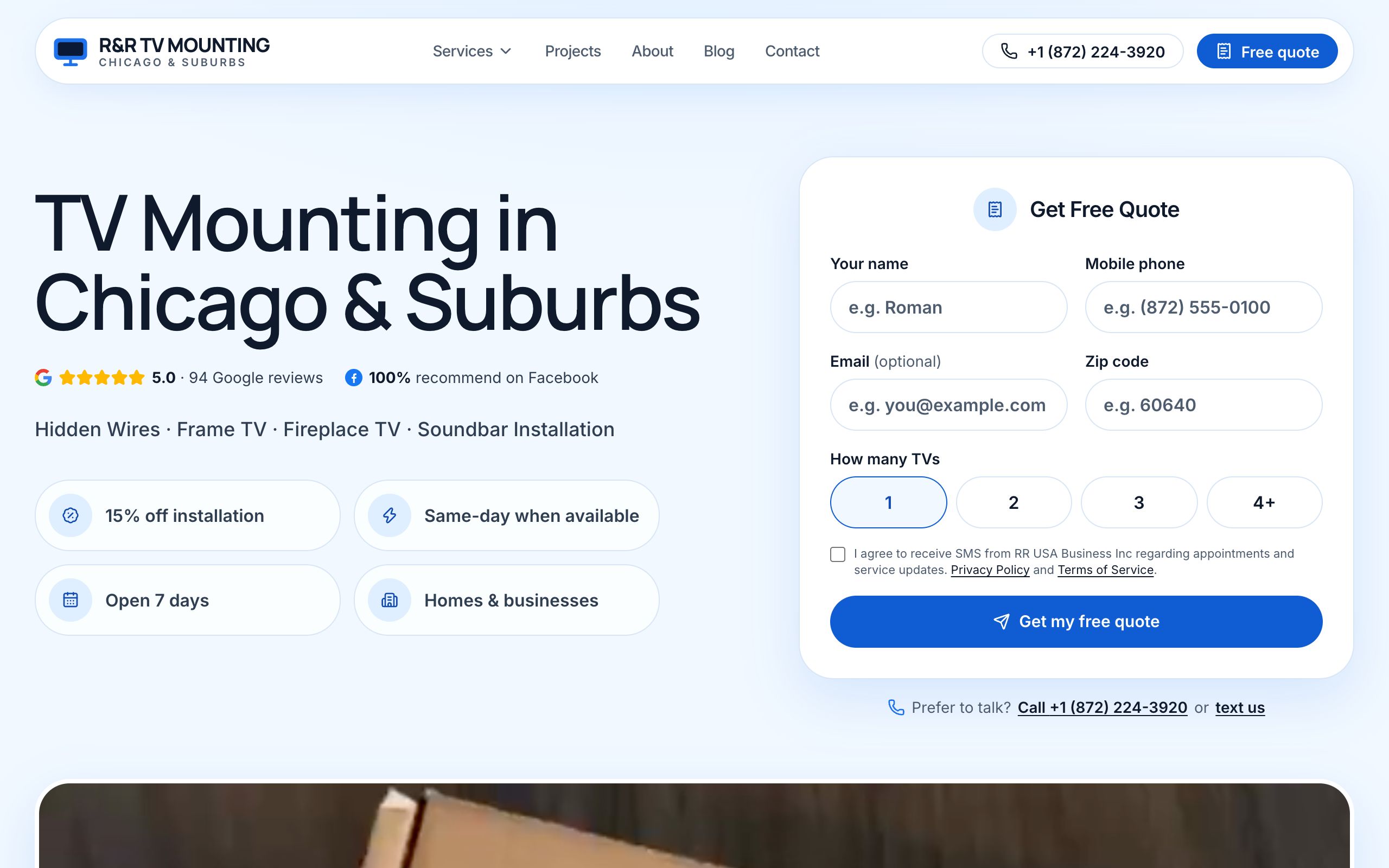
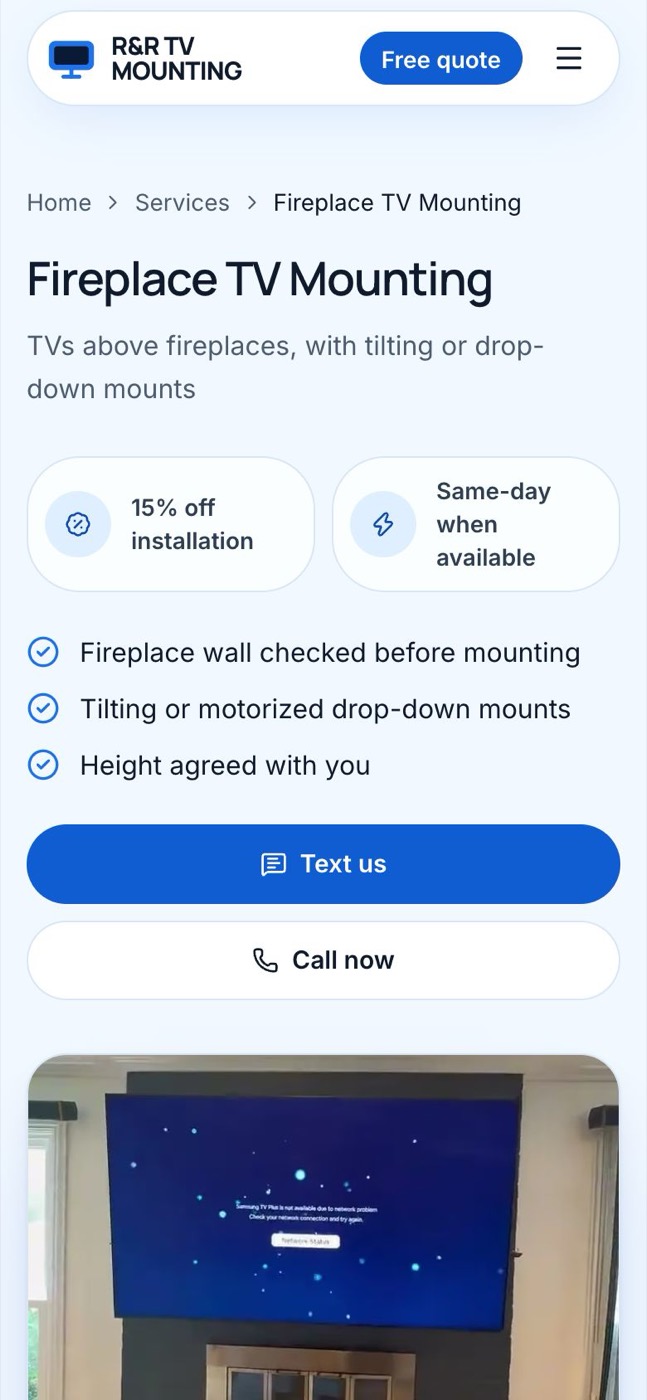
Where does each ad lead? To the page that answers the search: Fireplace TV and Frame TV searches open their own pages; TV mounting service, near me, Chicago and installation open the home page, which shows your 5.0 rating and the quote form on the first screens.
Does the page keep the ad's promise? Yes. "15% off installation · Same-day when available" is on the first screen of the home page, the Fireplace TV and the Frame TV pages — before, it sat 5 to 12 screens down.
How much does the form ask?
| Quote form | Before | Now |
|---|---|---|
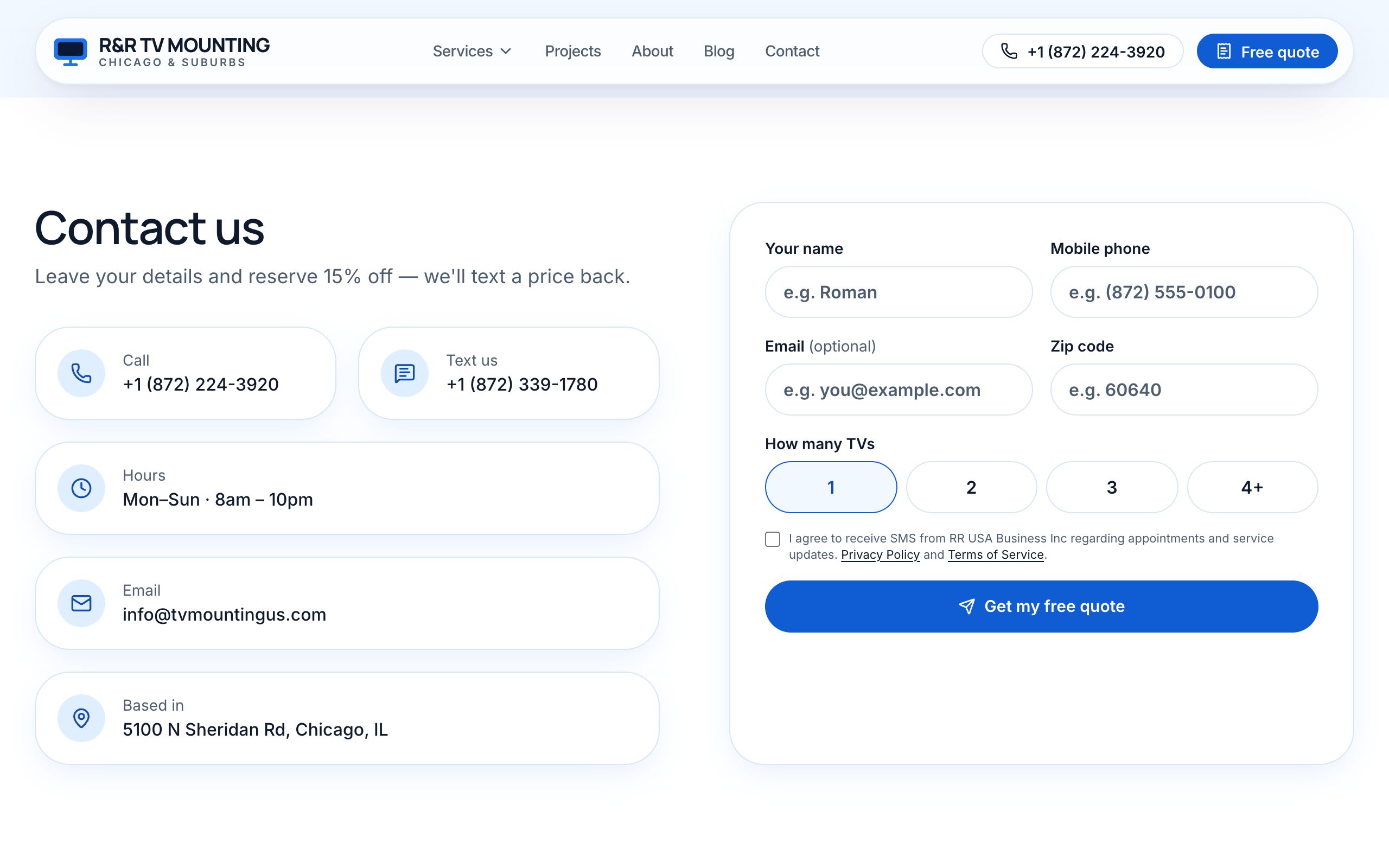
| Required fields | name, phone, email, ZIP | name, phone, ZIP |
| Text-message consent | — | optional — without it we call, never text |
| Offer on the first screen | no | yes |
Can a visitor call or text in one tap? Yes — the contact card has separate rows for Call (a tracked number) and Text (your main number).
Does the ad click survive to the request? Yes. Every ad page opens directly, with no redirect, and keeps Google's click id. In the first 4 days 12 of 13 ad clicks reached the site with it — so a request from an ad is tied back to its search.
Ad: "15% off · same-day" ─▶ the page shows the same offer ─▶ 3 fields ─▶ request
         └─ click id ──────────────────────────────────────────────┘ kept to the CRM
How it looks
Why it matters
The visitor sees the same promise on the page as in the ad, fewer required fields mean more people finish the form, and every request from an ad can be traced to the search that paid for it.